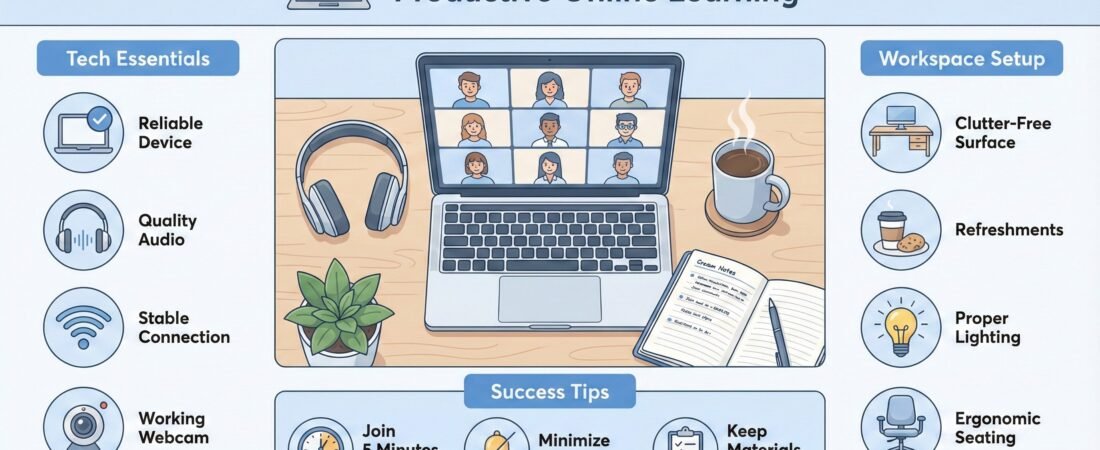
This guide explains what are best laptops that students can buy in 2026. It recommends reliable models that offer the best balance between price and performance.
Table of Contents
As a student, I understand that students rely on their laptops for almost everything: attending Zoom classes, writing assignments, editing videos, managing research, and collaborating with classmates online. The problem is that many laptop recommendations online are either too technical or too expensive.
In reality, you do not need a $2,000 machine to succeed or excel in your studies. What you need is a laptop that handles multitasking smoothly, lasts through a full day of classes, and does not slow down when several apps are open at once.
For specific picks under $700, see this guide: Best laptops for students under $700
What Students Actually Use Their Laptop For
- Chrome or Edge with 10–20 tabs open
- Google Docs, Slides, or Microsoft Office
- Zoom or Microsoft Teams meetings
- Canva or design tools for presentations
- CapCut or light video editing software
- Learning management systems such as Canvas or Blackboard
Most students are not running extremely heavy software. Instead, the typical daily workload. This kind of workload requires consistent multitasking performance, not extreme computing power.
A good student laptop should switch smoothly between these tasks without freezing or slowing down.
Minimum Laptop Specs Students Should Aim For
To avoid frustration after a few months, aim for these baseline specifications.
Processor (CPU)
- Intel Core i5 (12th generation or newer)
- AMD Ryzen 5 (5000 series or newer)
- Apple M1 / M2 / M3 chips
RAM (Memory)
- Minimum: 8GB
- Recommended: 16GB for smooth multitasking
Storage
- Minimum: 256GB SSD
- Recommended: 512GB SSD
Display
- Full HD resolution (1920×1080) or better
Battery life
- At least 8 hours of real-world usage
These specifications will comfortably support most student workloads for several years.
Best Budget Laptop for Students
Apple MacBook Neo 13-Inch [2026] — Designed for Students and Has Student price offer

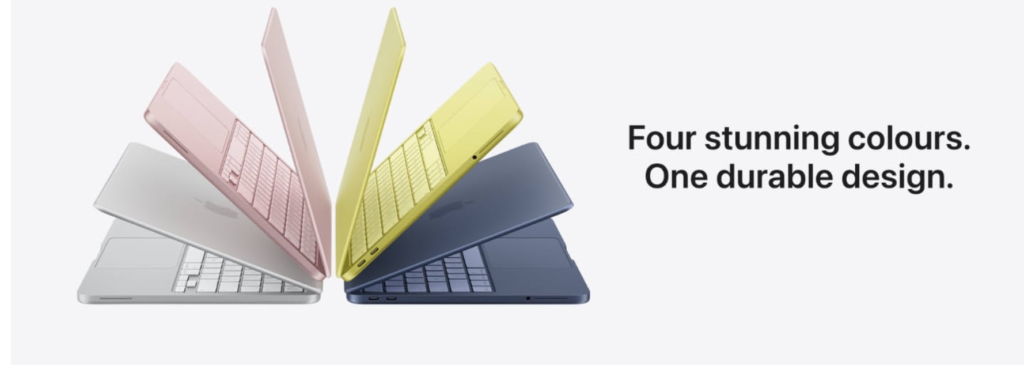
The Apple MacBook Neo 13-inch (2026) is Apple’s newest entry-level laptop, designed specifically for students and everyday users who want a reliable device without the premium price tag. Powered by the efficient A18 Pro chip, it delivers smooth performance for common tasks like writing assignments, attending online classes, browsing, and using productivity tools.
One of its standout features is the 13-inch Liquid Retina display, which offers sharp resolution, vibrant colours, and up to 500 nits of brightness—making it comfortable for long study sessions, content consumption, and presentations. The laptop is built with a durable aluminum design, giving it a premium feel while remaining lightweight and portable for students moving between classes or study locations.
Battery life is another strong advantage, with up to 16 hours on a single charge, allowing students to get through a full day of lectures and work without needing to recharge. Combined with macOS and Apple’s ecosystem, it integrates seamlessly with tools like iPhone, iCloud, and productivity apps, making workflows more efficient.
However, as a budget-focused MacBook, there are some trade-offs. The base model typically includes 8GB RAM and limited port options, and it lacks some premium features like advanced connectivity and expandability. Despite these limitations, it remains one of the most compelling options for students who prioritize simplicity, battery life, and reliability over heavy performance tasks.
Best For:
- Students already using Apple devices
- Writing, research, and everyday academic work
- Light multitasking and productivity
Not Ideal For:
- Heavy video editing or advanced programming
- Users needing multiple ports or high-end performance
Get Apple MacBook Neo (2026) on Amazon
Check current pricing and availability before deciding, as Apple devices often fluctuate based on promotions.
ASUS Vivobook 15 (Ryzen 5)
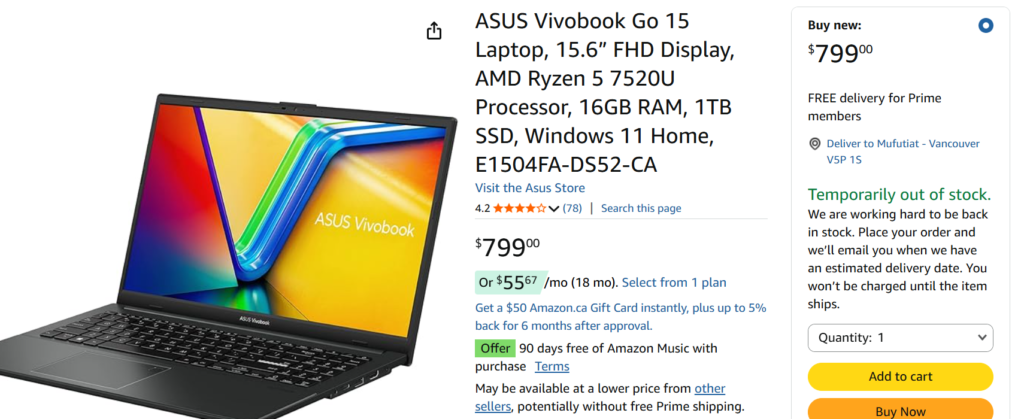
The ASUS Vivobook 15 is one of the strongest budget laptops available for students. Most of the buyers give it a 5-star reviews.
Key strengths
- AMD Ryzen 5 processor
- Large 16-inch display
- 512GB SSD storage
- Good performance for everyday multitasking
The large screen is particularly helpful for students working on presentations, research, or editing content.
While the base model includes 8GB of RAM, choosing the 16GB configuration significantly improves multitasking performance.
This laptop handles typical student tasks easily, including video calls, document editing, and browser-based design tools.
Buy ASUS Vivobook 15 (Ryzen 5) on Amazon
Best Mid-Range Laptop for Students
Microsoft Surface Laptop (Copilot+ PC)
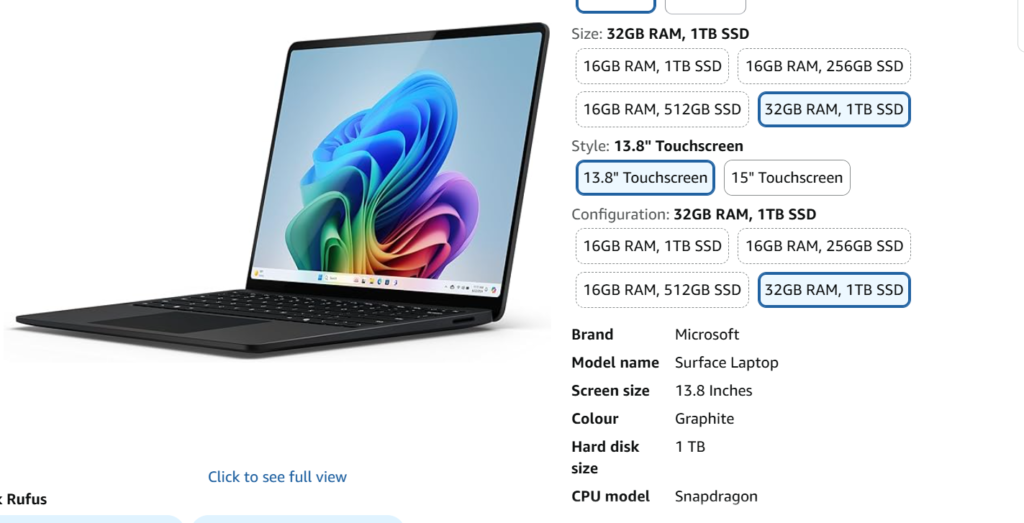
For students who want a reliable laptop that will stay fast for several years, the Microsoft Surface Laptop is an excellent mid-range option.
Why it stands out
- 16GB RAM standard configuration
- 512GB SSD storage
- Lightweight and portable
- Excellent keyboard and trackpad
- Strong battery life (10–12 hours typical use)
The Surface Laptop is especially appealing for students who carry their computer across campus all day. It balances portability, performance, and build quality extremely well.
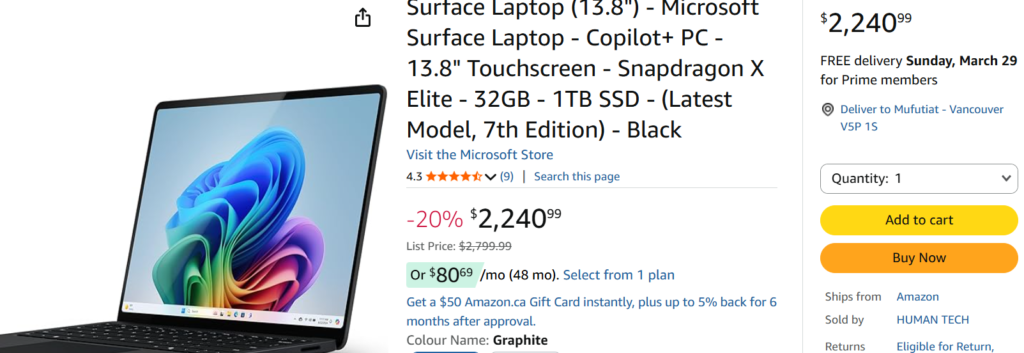
Get Microsoft Co-pilot surface laptop with monthly payment plan on Amazon.
Best Apple Laptop for Students
Apple MacBook Air (M2 or M3)
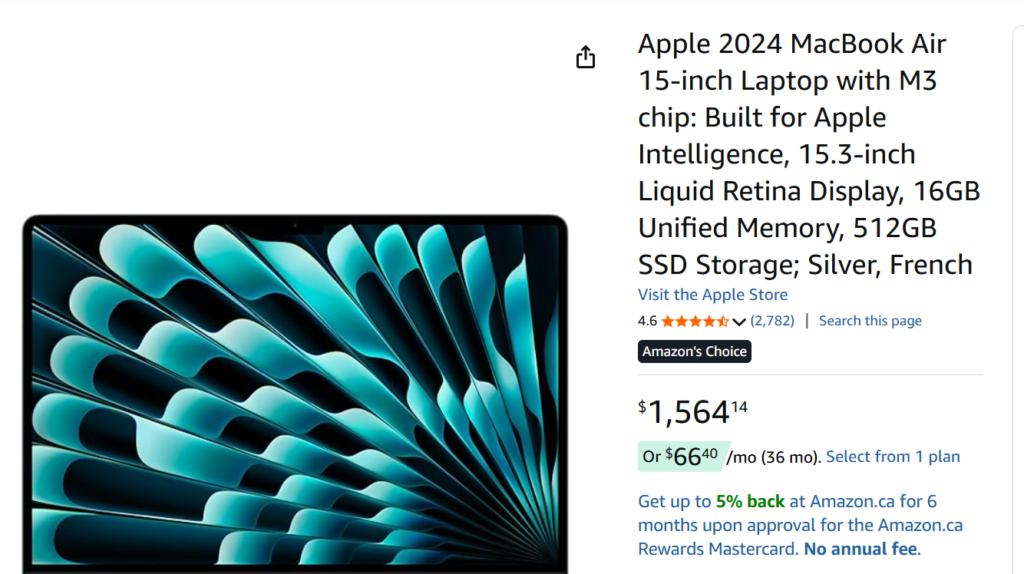
The MacBook Air remains one of the most reliable laptops for students who prefer Apple’s ecosystem.
Key advantages
- Apple M-series processors offer excellent efficiency
- Very long battery life
- Quiet operation
- Premium build quality
MacBooks are particularly popular with students working in design, video editing, or media-related programs.
Although 8GB RAM works for basic tasks, choosing 16GB RAM improves long-term performance significantly.
Get Apple MacBook laptop here.
Mac vs Windows for Students
Both platforms work well for academic work. The choice often depends on personal preference and budget.
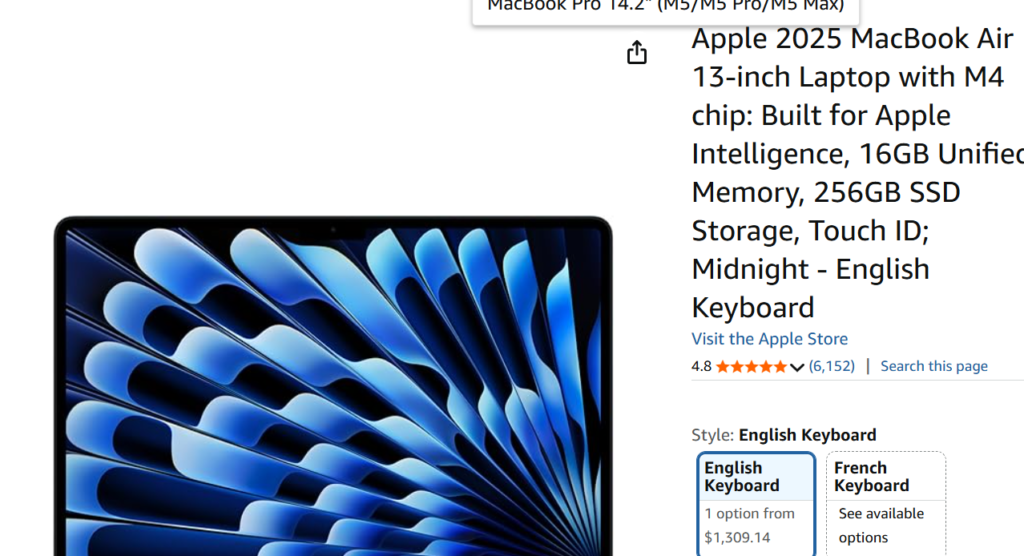
Choose Mac if:
- You already use iPhone or iPad
- You prefer Apple’s ecosystem
- You want extremely long battery life
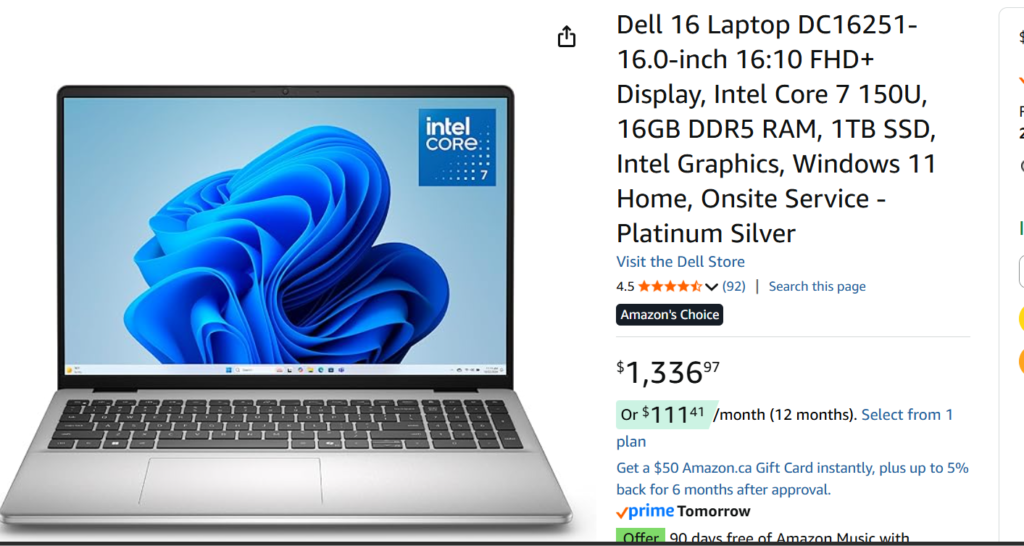
Choose Windows if:
- You want a wider range of laptop prices
- You prefer more hardware options
- You want easier compatibility with various software
For most students, the difference is not dramatic. Having enough RAM and a modern processor matters much more than the operating system.
Get this valuable Windows Laptop on Amazon
Should Students Buy a Gaming Laptop?
Many students assume a gaming laptop is necessary for performance. In reality, this is rarely the case.
Gaming laptops are heavier, more expensive, and typically have shorter battery life.
Unless you regularly edit high-resolution video or work with 3D graphics, integrated graphics are usually more than sufficient.
Final Buying Advice
When choosing a laptop for school, focus on three things:
- Enough RAM for multitasking
- Reliable battery life
- A modern processor
For most students:
Budget option
ASUS Vivobook 16 with Ryzen 5
Best value option
Microsoft Surface Laptop with 16GB RAM
Premium option
MacBook Air with M2 or M3 chip
A well-chosen laptop should last your entire degree and continue performing well even after graduation.
Comparison Table
| Laptop | Best For | RAM | Storage | Key Advantage |
| ASUS Vivobook 16 | Budget students | 8–16GB | 512GB | Large screen + good value |
| Surface Laptop | Balanced performance | 16GB | 512GB | Premium build + portability |
| MacBook Air M2/M3 | Apple ecosystem users | 8–16GB | 256–512GB | Excellent battery life |
| MacBook Neo 13 (2026) | Apple users on a budget | 8GB | 256–512GB | Affordable entry into Apple ecosystem + long battery |
Quick Recommendation
- If you want best balance → Lenovo IdeaPad Slim 3i
- If you want cheapest good option → Acer Chromebook Laptop
- If you want long-term performance → HP Laptop 15
👉 Again, Prices change frequently—check current deals before buying.
Building an effective student setup goes beyond choosing just one device—it’s about creating a system that supports both performance and communication. While a reliable device is essential for multitasking, research, and running academic tools, audio quality plays an equally critical role in how your work is received. If you’ve already reviewed the best laptops for students in 2026, the next step is ensuring your voice is just as clear as your visuals.
Pairing your device with one of the best microphones for student presentations on a budget can significantly improve the quality of recorded assignments, online presentations, and virtual collaboration—giving you a more complete and professional academic setup.
Frequently Asked Questions
Affiliate Disclosure: Some products contain affiliate links. If you buy through these links, the website get some commissions at no extra cost to you.