Introduction
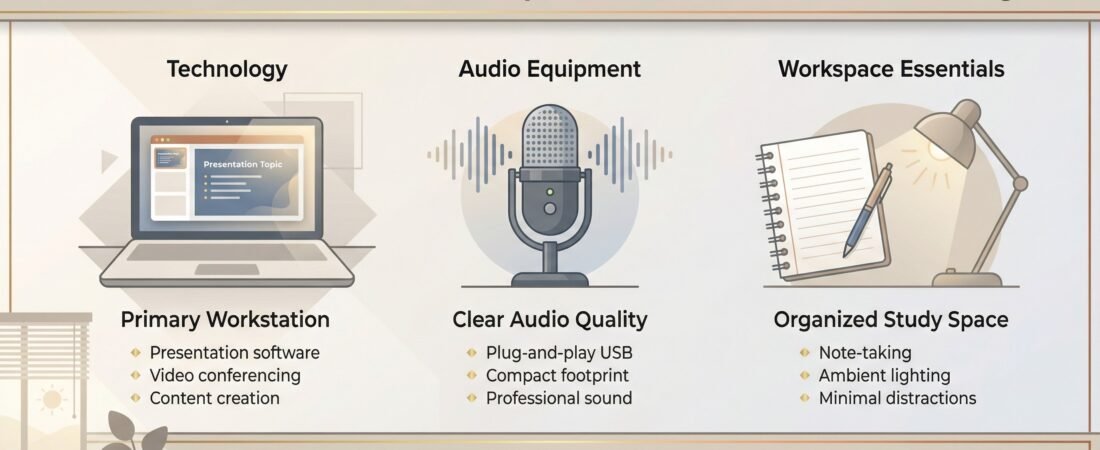
If you’re looking for the best microphone for online classes in 2026, this guide covers simple options under $100 that work well in dorms, shared apartments, and small rooms.
Weak audio can make a strong project feel unprofessional—especially when your audience has to strain to hear your key points.
The good news: you don’t need a studio setup to sound clear. All you need to keep things simple and sound clear has been highlighted in this article; especially based on your budget.
Table of Contents
Key Takeaway – Best microphone for online classes in 2026
Below is a summary of key best microphone top picks for online classes in 2026. The gallery has been added to give real-time buyer reviews about our recommended ones. Feel free to click on the microphone that interest you, then click the ratings to see details of what recent buyers are saying about them.
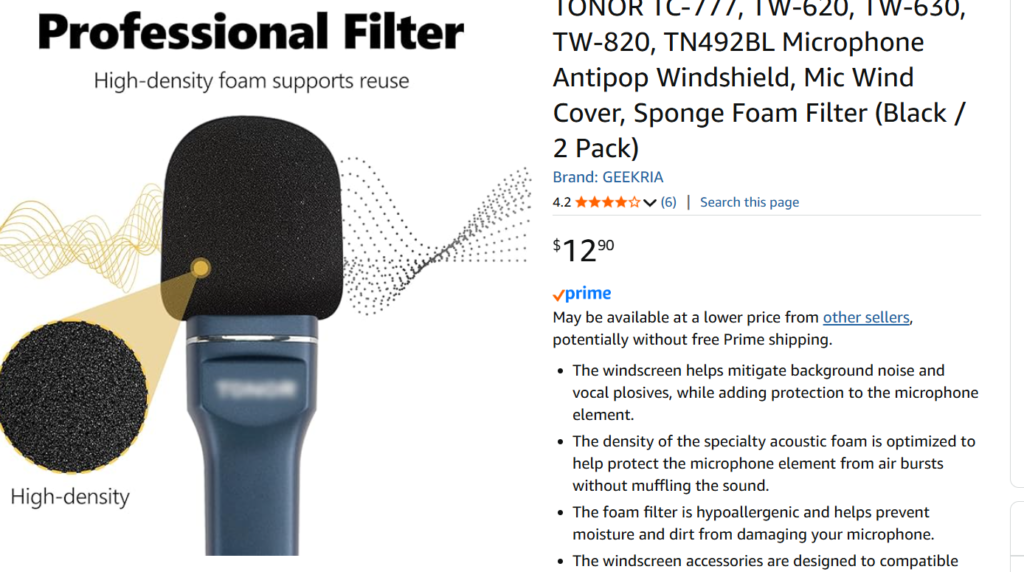
- Under $50: TONOR TC‑777 Microphone – unbeatable plug‑and‑play simplicity.
- $50–$80: Fifine Gaming Microphone – best balance of clarity and design.
- $80–$170: Blue Yeti Microphone – semi‑pro polish for long‑term creators.
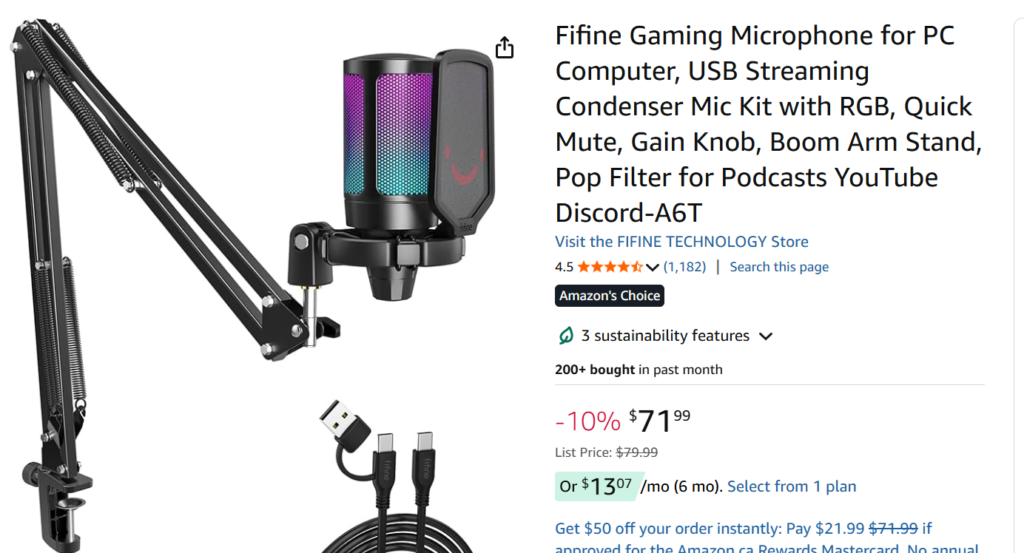
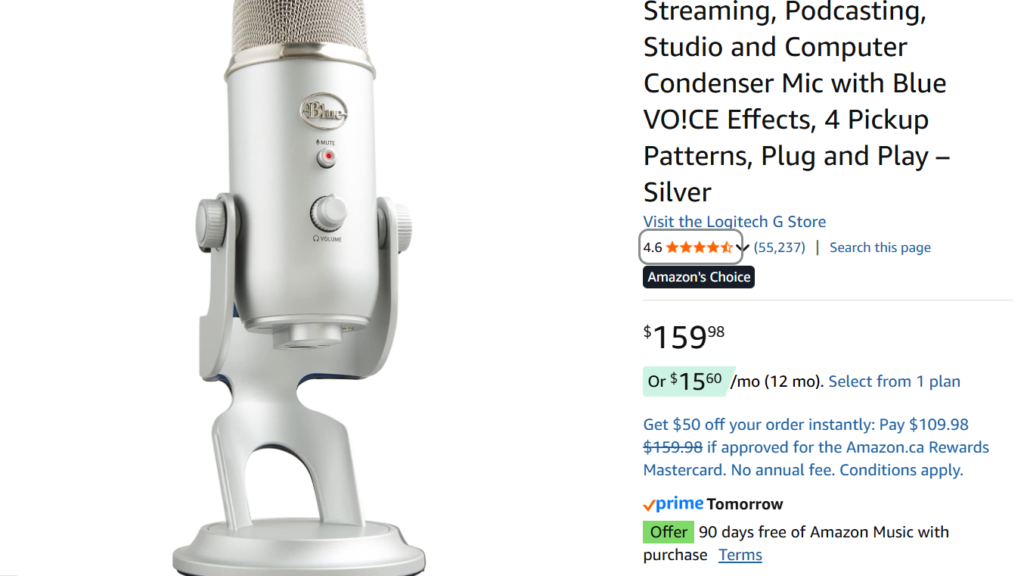
If you’re just starting out, go with the Fifine Gaming Microphone.
. It nails the student sweet spot — affordable, crisp, and easy from day one. Not sure which mic fits you? Answer three quick questions for personalized guidance below:
Why audio matters more than video (most of the time)
A slightly blurry video is often still watchable. Bad audio isn’t.
When your voice is unclear, people lose focus quickly—even if your content is solid. Clear audio improves perceived confidence, clarity, and preparation, which helps your ideas land better in recorded presentations, Zoom sessions, and group projects.
What you actually need (USB vs XLR, explained simply)
You’ll see two microphone types everywhere:
USB microphones (what most students should buy)
- Plug straight into your laptop
- No extra gear
- Fast setup for recordings and Zoom
- Best value for student use
XLR microphones (for advanced setups)
- Can sound great, but require extra gear (audio interface + cables)
- More expensive and more troubleshooting
- Usually unnecessary for student presentations
Bottom line: if your main goal is school presentations, choose a USB mic.
For detailed overview of the USB VS. LSR, check out our recent post on Podcasting Tools Guide.
Best budget microphones under $100 for student presentations (2026)
These picks are chosen for:
- clear voice capture
- simple setup
- decent noise handling for small rooms
- strong value for the price
Quick comparison table
| Microphone | Type | Best for | Typical Price Range | Why it works for students |
| FIFINE K690 | USB | Best overall clarity/value | ~$60–$80 | Clean voice, sturdy build, simple controls |
| TONOR TC-777 | USB | Cheapest “good enough” option | ~$30–$50 | Plug-and-play, beginner friendly |
| Samson Meteor Mic | USB | Small desk spaces | ~$50–$80 | Compact, good clarity for the price |
| JLab Talk GO | USB | Portable / minimal desk setup | ~$40–$60 | Compact, solid voice focus, easy setup |
| Maono AU-A04T | USB | Student “studio look” + clarity | ~$40–$70 | Often includes arm + pop filter bundle |
Affiliate disclosure: Some links may be affiliate links. If you buy through them, it supports this site at no extra cost to you.
Recommended picks (simple decision guide)
If you want the best value overall
FIFINE K690
A strong choice if you want clear audio without complicated setup. It’s dependable for presentations, voiceovers, and recurring class recordings.
Check price and current availability for the FIFINE K690 on Amazon
If you want the cheapest plug-and-play option
TONOR TC-777
This is the “get it done” mic for students who just need something better than a laptop microphone without spending much.
See the TONOR TC-777 on Amazon.
If you want a compact mic that fits any desk
Samson Meteor Mic or JLab Talk GO
Both work well when space is tight. If your desk is small, you’re moving around often, or you record in different locations, portability matters.
Compare the JLab Talk GO on Amazon.
If you want a bundle that looks like a creator setup
Maono AU-A04T
Often sold as a kit (mic + arm + pop filter). It’s not “magic,” but it helps you get a clean setup quickly, especially if you don’t want to shop for accessories separately.
Check the Maono AU-A04T bundle on Amazon.
Premium option (only if you record often)
If you record frequently (presentations, YouTube, tutorials, long-term projects), the Blue Yeti is still a popular step-up option. It’s often above $100, so it’s only worth it if you’ll use it heavily.
Simple setup tips to reduce echo (dorm-proof)
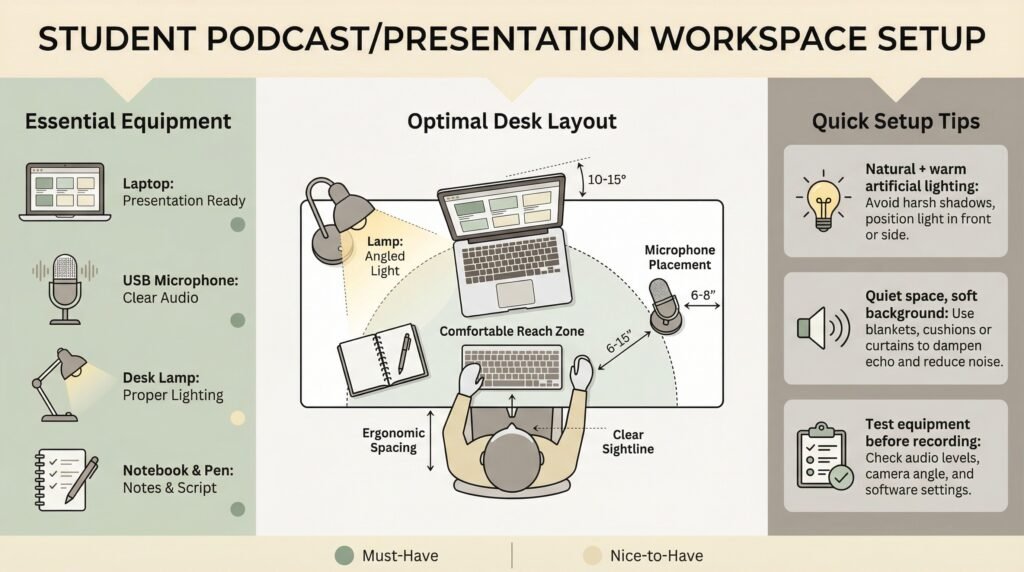
Even a good microphone will sound average in a bad room. These are quick fixes that make a noticeable difference:
- Record near soft materials
Curtains, a hanging coat, or a closet full of clothes absorb echo. - Avoid empty corners
Corners bounce sound. If possible, face into the room, not into a corner. - Get the distance right
Keep the mic about 6–8 inches from your mouth. - Don’t point the mic at the laptop fan
Angle it away from the laptop’s vents. - Use a simple noise reduction tool if needed
If your environment is noisy, basic cleanup can help (for example, Audacity noise reduction or a noise suppression app).
Final recommendation by budget
- Under $50: TONOR TC-777 (simple, affordable, better than laptop audio)
- $50–$80: FIFINE K690 (best overall student “sweet spot”)
- $80–$120+: Blue Yeti (only worth it if you record often)
If you’re unsure, choose the FIFINE K690. It’s the strongest balance of clarity, ease, and value for students.
If you find this article helpful, please feel free to drop a comment. You may also visit our Resource Tool Finder for other personalized recommendations. You are welcome to visit our Home Page to learn more about us.
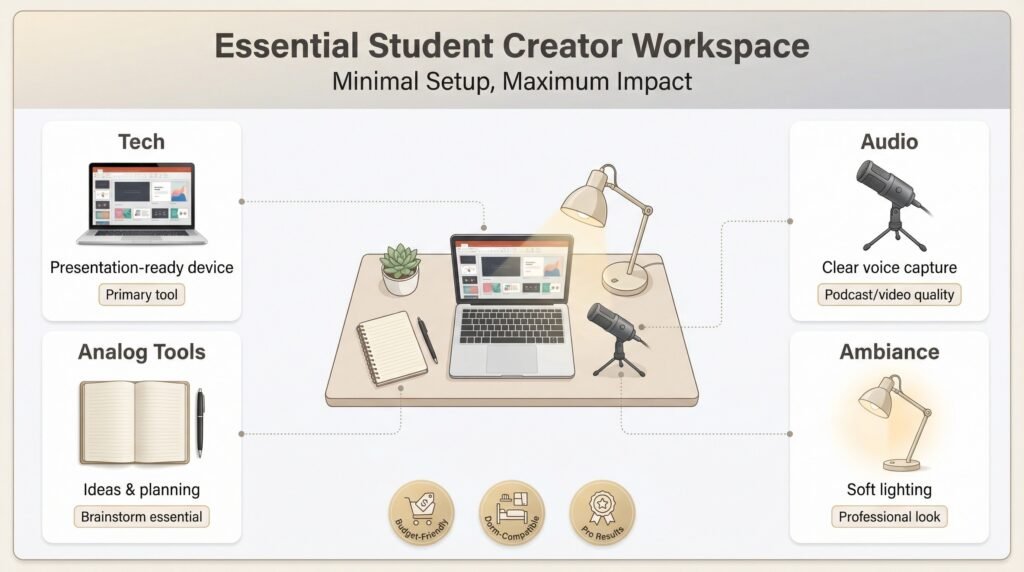
While improving your audio setup is a smart move, it’s only one part of delivering high-quality presentations. Your device plays a major role in how well your recordings are processed, edited, and presented—especially when handling video assignments or multitasking between tools. If you’re noticing slow performance or limitations during your workflow, it may be time to upgrade your system. This guide on the best laptops for students in 2026 breaks down smart, budget-conscious options that complement your microphone setup and help you produce more polished, professional results.
Frequently Asked Questions
What is the best microphone for student video presentations?
For most students, a USB microphone is the best choice because it’s plug-and-play and doesn’t require extra equipment. A strong value pick is the FIFINE K690 because it balances clarity, ease of use, and price.
Do I need an XLR microphone for school presentations?
No. XLR microphones require extra gear (an audio interface and cables) and more setup. For student presentations, a USB microphone is usually more than enough.
What’s the best budget microphone under $50?
If you want a simple upgrade from laptop audio without spending much, the TONOR TC-777 is a common plug-and-play option that works well for recorded presentations and online classes.
How do I reduce echo in a dorm room?
Record near soft materials like curtains or an open closet with clothes, avoid empty corners, keep the mic about 6–8 inches from your mouth, and angle it away from laptop fan noise.
Is a headset microphone good enough for presentations?
A headset mic can work for casual calls, but it usually sounds thinner and picks up more breathing and room noise than a dedicated USB microphone. For graded presentations, a desk mic is a noticeable upgrade.
Affiliate Disclosure: Some products contain affiliate links. If you buy through these links, the website get some commissions at no extra cost to you.